Someone you have never met could be using a SIM card issued on your ID, and you would have no way of knowing unless you check. The Department of Telecommunications (DoT) runs a free portal, Sanchar Saathi, that shows you every mobile connection registered against your identity, lets you report the ones that are not yours and lets you block a lost phone.
It takes about five minutes. Here is how to do each of the three things people most often need.
What is Sanchar Saathi?
Sanchar Saathi is a citizen-facing portal from the Department of Telecommunications, launched on 16 May 2023, at sancharsaathi.gov.in. It also has a mobile app. Its main tools are:
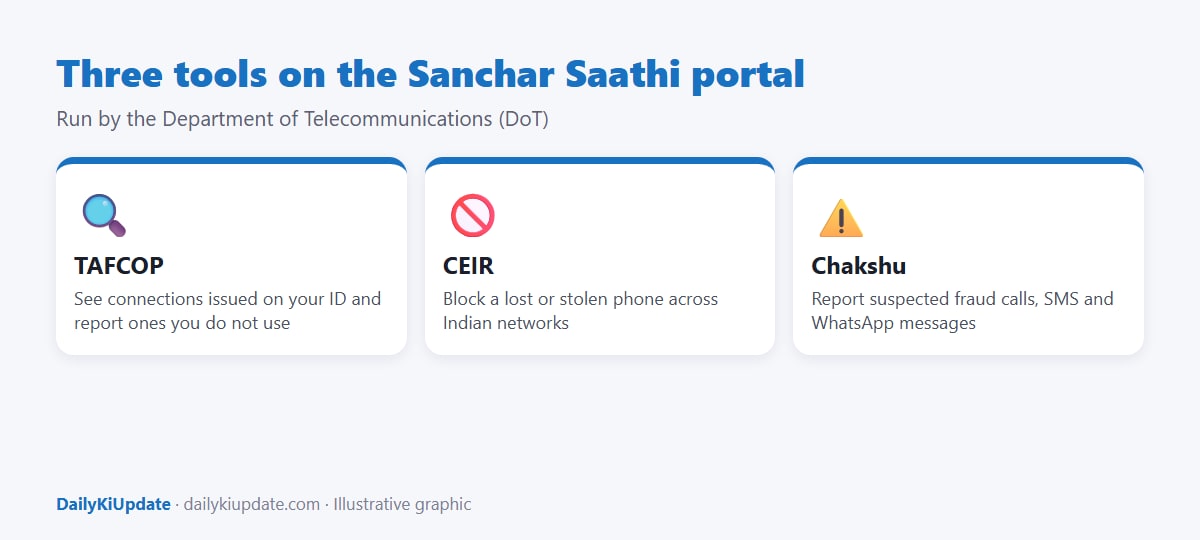
- TAFCOP: see how many mobile connections are registered in your name and report numbers you do not use or did not take.
- CEIR: block a lost or stolen phone on all Indian mobile networks and trace it.
- Chakshu: report suspected fraud calls, SMS and WhatsApp messages.
- Know Your Mobile: check whether a handset's IMEI is genuine, which is useful when buying a second-hand phone.
How to check the SIMs in your name (TAFCOP)
- Go to sancharsaathi.gov.in and open the option for checking mobile connections in your name (TAFCOP).
- Enter one of your active mobile numbers, complete the captcha and request an OTP.
- Enter the OTP you receive on that number.
- You will see a list of mobile numbers issued against your identity (shown in a partly masked form).
- For each number, choose one of the options: "This is my number and required", "Not my number" or "Not required".
- Submit. A ticket reference is generated for the request.
Numbers you mark as not yours or not required are flagged and sent to the telecom operator for re-verification. Do this carefully: do not mark a number you actively use as "Not required", as that may lead to disconnection after verification.
Why this matters
- SIMs issued on a person's documents without their knowledge have been used for fraud, so finding them early protects you.
- Telecom rules limit the number of connections one person can hold on one ID. The cap is generally 9 for most of India and lower in certain regions, as per DoT rules at the time of writing. If you see more than you expect, investigate.
- Old numbers you stopped using can be recycled. If those numbers are still linked to your bank or UPI, someone else could receive your OTPs after a reassignment, so close or update unused numbers properly.
How to block a lost or stolen phone (CEIR)
Before you start, keep these ready:
- The IMEI number of the phone. You can find it on the original box, the invoice, or by dialling *#06# on the phone itself (if you still have a record), or in your Google or Apple account device list.
- A police complaint or FIR copy for the loss or theft.
- A duplicate SIM for the number that was in the phone, as the portal sends an OTP to it.
- Your ID details and the date, time and place of loss.
- Lodge a complaint with the police and keep the acknowledgement.
- Get a duplicate SIM for your lost number from the operator and activate it.
- On Sanchar Saathi, choose the option to block a lost or stolen mobile.
- Fill in the IMEI, the phone model, the complaint details and your contact number.
- Enter the OTP, submit, and note the request ID.
Once blocked, the handset cannot be used on any Indian network, even with a different SIM. If you recover the phone, use the same portal to request an unblock with your request ID.
Also change your passwords, enable remote lock or erase through your Google or Apple account, and tell your bank so that UPI is disabled on the lost device. For account takeover problems, see our guide on how to recover a hacked Instagram or WhatsApp account.
How to report a suspicious call or message (Chakshu)
If you get a call, SMS or WhatsApp message that looks like phishing, KYC fraud or an impersonation attempt, use Chakshu on the portal to report it with the number, the date and a short description. It is separate from reporting a financial fraud. If you have already lost money, call 1930 and report at cybercrime.gov.in immediately. Read more in our guide on the digital arrest scam.
Common mistakes
- Using a look-alike website. Type the address yourself and look for the .gov.in domain. The portal never asks for your bank PIN or UPI PIN.
- Reporting a number you use without thinking. This can lead to a disconnection.
- Waiting too long after losing a phone. Block it as soon as you have the police complaint.
- Skipping the duplicate SIM step. Without it the OTP has nowhere to go.
Frequently asked questions
How can I check how many SIMs are registered on my Aadhaar?
Use the TAFCOP tool on sancharsaathi.gov.in. It lists mobile connections registered against your identity.
Is Sanchar Saathi free?
Yes. It is a Government service. No fee is charged for these tools.
What is a CEIR?
The Central Equipment Identity Register, a database used to block lost or stolen phones across operators by their IMEI number.
Will blocking a phone delete my data?
No. It blocks network access. To wipe data, use remote erase from your Google or Apple account.
Can I use the portal without a phone number?
No. You need a working mobile number to receive the OTP for most tools.
Sources to verify
- Sanchar Saathi portal, Department of Telecommunications for the tools, the current rules and the latest connection limits.
- National Cyber Crime Reporting Portal for reporting financial fraud.
Portal menus and labels can change. Follow the on-screen instructions on the official site.