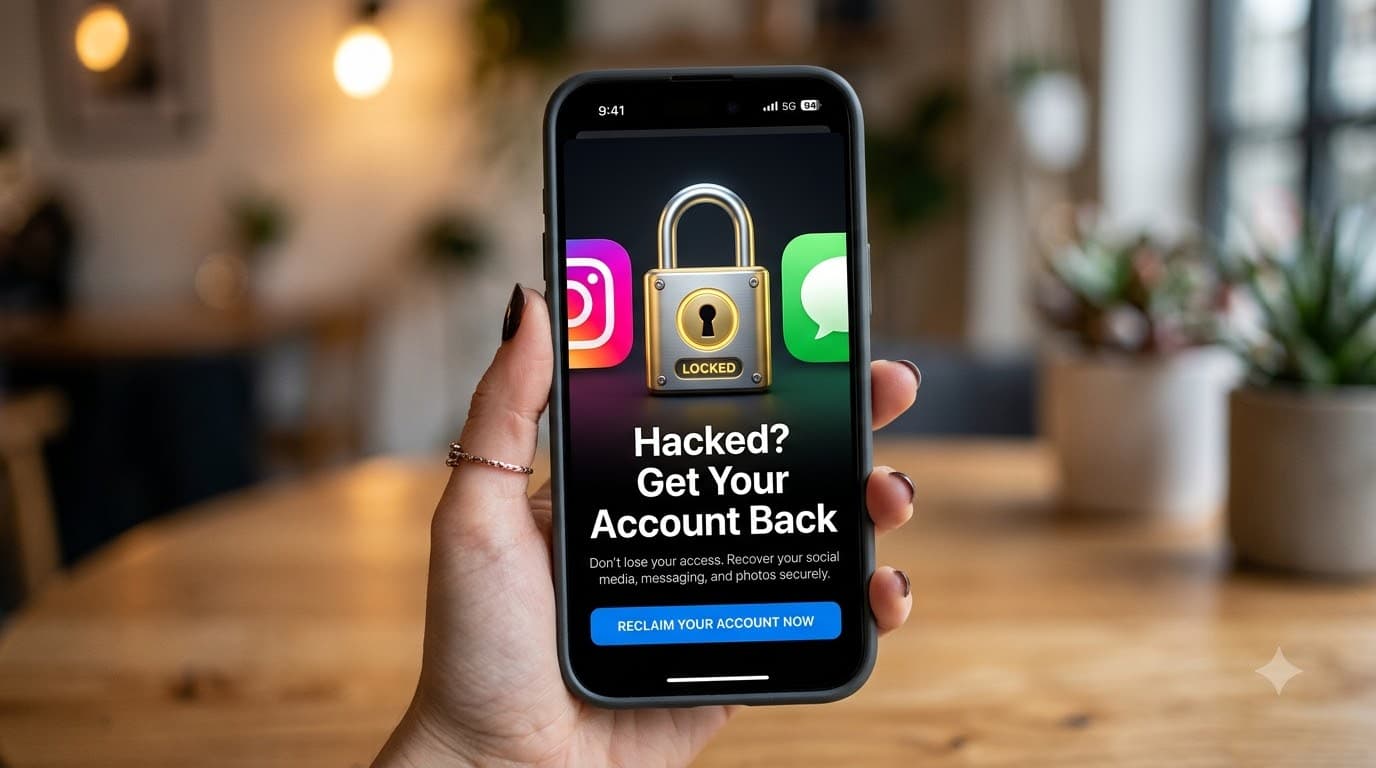
Locked out of your own account? Don't panic. Here's exactly what to do, step by step, using only official tools.
Few things feel worse than opening Instagram or WhatsApp and finding you've been logged out, or hearing from friends that "you" are asking them for money. The good news: in most cases you can recover a hacked Instagram or WhatsApp account, especially if you act fast.
This guide walks you through the official recovery process for both apps, what to do the moment you're back in, and how to make sure it never happens again.
Golden rule: Never pay anyone who offers to "recover" your account. Real recovery happens only through Instagram's and WhatsApp's own apps and websites, and it's free.
Signs Your Account Has Been Hacked
You may be hacked if you notice any of these:
You're suddenly logged out and your password no longer works
You get an email or SMS about a password, email or phone number change you didn't make
Friends receive strange messages, links or money requests from your account
New posts, stories or DMs appear that you didn't create
Your profile name, photo or bio has changed
On WhatsApp, a message says your number is now registered on another phone
You get a WhatsApp verification code you never asked for (someone may be trying to take over your account)
If any of these match, move to the recovery steps below right away. Every minute counts, because hackers often change your recovery details quickly.
How to Recover a Hacked Instagram Account
Instagram's main recovery page is instagram.com/hacked. Work through these steps in order and stop as soon as you're back in.
Step 1: Check your email for a message from Instagram
When someone changes the email on your account, Instagram sends a notice to your old email from security@mail.instagram.com. Search your inbox (and spam folder) for it.
If you find it, tap the link that lets you revert the change or secure your account. This often undoes the hacker's change in one click.
Step 2: Try a password reset
Open the Instagram app and tap Forgot password? (or Get help logging in).
Enter your username, email or phone number.
Instagram will send a login link or code to the email or phone on your account.
Use it to set a new, strong password.
This works if the hacker changed only your password and not your email or phone number.
Step 3: Go to instagram.com/hacked
If the reset doesn't work, open instagram.com/hacked in a browser and choose My account was hacked. Follow the prompts. Instagram will try to send a security code to the email or phone number originally linked to your account.
Tip: type the address yourself. Don't tap "recovery" links sent to you by DM or SMS, as many are phishing pages.
Step 4: Verify your identity with a video selfie
If the hacker changed both your email and phone number, Instagram may ask you to record a short video selfie, turning your head in different directions. It's compared with photos of you on the account.
Record in good light, without sunglasses or a cap.
Follow the on-screen directions slowly.
Instagram says it uses the video only for verification and deletes it afterwards.
If your account has no photos of you, Instagram may ask for other details instead, such as the email address or phone number you signed up with and the type of device you used.
Step 5: Wait for Instagram's reply and check your email
Instagram doesn't publish a fixed timeline. Many people hear back within a few days, but it can take longer. Watch your email (including spam) and reply quickly to any request.
Don't create a new account to report the hacked one, and don't send repeated requests, as both can slow the process down.
If your Instagram account was deleted or disabled
If the hacker deleted the account, it may be gone for good after Instagram's deletion period ends, so act within days. If Instagram disabled it, you'll usually see a message with an option to appeal when you try to log in.
How to Recover a Hacked WhatsApp Account
WhatsApp is tied to your phone number, so recovery is simpler: whoever can receive the verification code on your number wins. Most WhatsApp hacks happen because someone tricked the owner into sharing that 6-digit code.
Step 1: Make sure you have your SIM card
You need the SIM for your WhatsApp number in your phone and able to receive SMS or calls. If your SIM stopped working suddenly, contact your mobile operator immediately. It could be a SIM swap scam, where someone gets a duplicate SIM issued in your name.
Step 2: Log back in with your phone number
Open WhatsApp (reinstall it if needed).
Enter your phone number.
Enter the 6-digit code you receive by SMS or phone call.
As soon as you verify your number, the hacker is automatically logged out of your account on their phone.
Step 3: If WhatsApp asks for a two-step verification PIN you don't know
This means the hacker turned on two-step verification to lock you out. You have two options:
Reset by email: if a recovery email was set on the account, tap Forgot PIN? and follow the link sent to that email.
Wait 7 days: without the PIN, you must wait 7 days before you can log in without it. During this time the hacker is also locked out, because your verification already logged them out.
Step 4: Check Linked Devices
Go to Settings > Linked Devices and log out of any computer or device you don't recognise. Hackers sometimes use WhatsApp Web to keep reading your chats.
Step 5: Contact WhatsApp support if you still can't get in
In the app, go to Settings > Help > Contact us, or use the contact form in the official WhatsApp Help Center. Explain that your account was stolen and include your full phone number with country code (for example, +91 for India).
Note: Messages a hacker sent from your account can't be unsent by you, and chats on their phone are stored on their device. That's why it's important to warn your contacts quickly.
What to Do Right After You Get Your Account Back
Getting back in is only half the job. Do these things within the first hour:
Change your password to a new, strong one you've never used before (at least 12 characters, mixing words, numbers and symbols).
Secure your email account first if it was also affected. Whoever controls your email can reset your Instagram again.
Log out of all other sessions. On Instagram: Accounts Center > Password and security > Where you're logged in. On WhatsApp: Settings > Linked Devices.
Check your email and phone number in Accounts Center and correct anything the hacker changed.
Remove third-party apps you don't recognise from Instagram's connected apps.
Warn your friends and followers that any messages asking for money, OTPs or links were not from you.
Delete posts, stories or messages the hacker created.
How to Protect Your Instagram and WhatsApp from Hackers
Prevention is far easier than recovery. These habits block most attacks:
Turn on two-factor authentication on Instagram. Go to Accounts Center > Password and security > Two-factor authentication. An authenticator app is safer than SMS.
Turn on two-step verification on WhatsApp. Go to Settings > Account > Two-step verification, set a 6-digit PIN and add a recovery email.
Save your backup codes. Instagram gives you recovery codes when you set up 2FA. Store them somewhere safe, offline.
Never share OTPs or verification codes, not even with friends or family. A message from a friend asking for "the code I sent by mistake" is a classic hack.
Don't click login links in DMs, SMS or emails promising verification badges, brand deals, prizes or copyright warnings. Open the app directly instead.
Use a unique password for each account, ideally stored in a password manager.
Add a SIM PIN and ask your mobile operator about extra protection against SIM swaps.
Keep your apps and phone updated to get the latest security fixes.
Beware of Fake Account Recovery Scams
When you search for help after being hacked, scammers are waiting. Watch out for:
Comments, DMs or ads from "recovery experts" or "ethical hackers" promising to get your account back for a fee
Fake Instagram or WhatsApp "support" phone numbers on random websites
Anyone asking for your password, OTP, video selfie or ID through a DM or third-party site
Instagram and WhatsApp will never contact you by DM to fix your account, and they never charge for recovery. Paying a "hacker" usually means losing your money as well as your account.
In India? If you've lost money or are being blackmailed, report it at the official National Cyber Crime Reporting Portal or call the cyber crime helpline 1930.
Conclusion
A hacked Instagram or WhatsApp account is stressful, but it's usually recoverable if you act quickly and stick to the official tools: instagram.com/hacked for Instagram and re-verifying your number for WhatsApp. Once you're back in, turn on two-factor authentication, never share your OTPs, and you'll be far harder to hack again.
Found this guide helpful? Share it with friends and family. It could save someone's account.
Frequently Asked Questions
How long does it take to recover a hacked Instagram account? Instagram doesn't give a fixed timeline. Simple cases can be fixed in minutes with a password reset or email revert link. Video selfie reviews often take a few days, sometimes longer.
Can I recover my Instagram if the hacker changed my email and phone number? Yes, often. Go to instagram.com/hacked and complete identity verification, usually a video selfie compared with photos on your account.
Why is WhatsApp asking for a PIN I never set? The hacker turned on two-step verification. Reset it via the recovery email if one exists, or wait 7 days, after which you can log in without the PIN.
Will I get my WhatsApp chats back? Only if you had a chat backup on Google Drive (Android) or iCloud (iPhone). When you log back in, WhatsApp offers to restore it.
Can someone hack WhatsApp without my OTP? It's much harder. Most WhatsApp takeovers happen because the owner shared the 6-digit code, or through a SIM swap or a voicemail trick. Turning on two-step verification blocks most of these.
Should I pay someone to recover my account? No. Paid "recovery services" are almost always scams. Recovery through Instagram and WhatsApp is free.
Steps checked in October 2026. App menus can change, so follow the latest prompts in the app or official help centre.