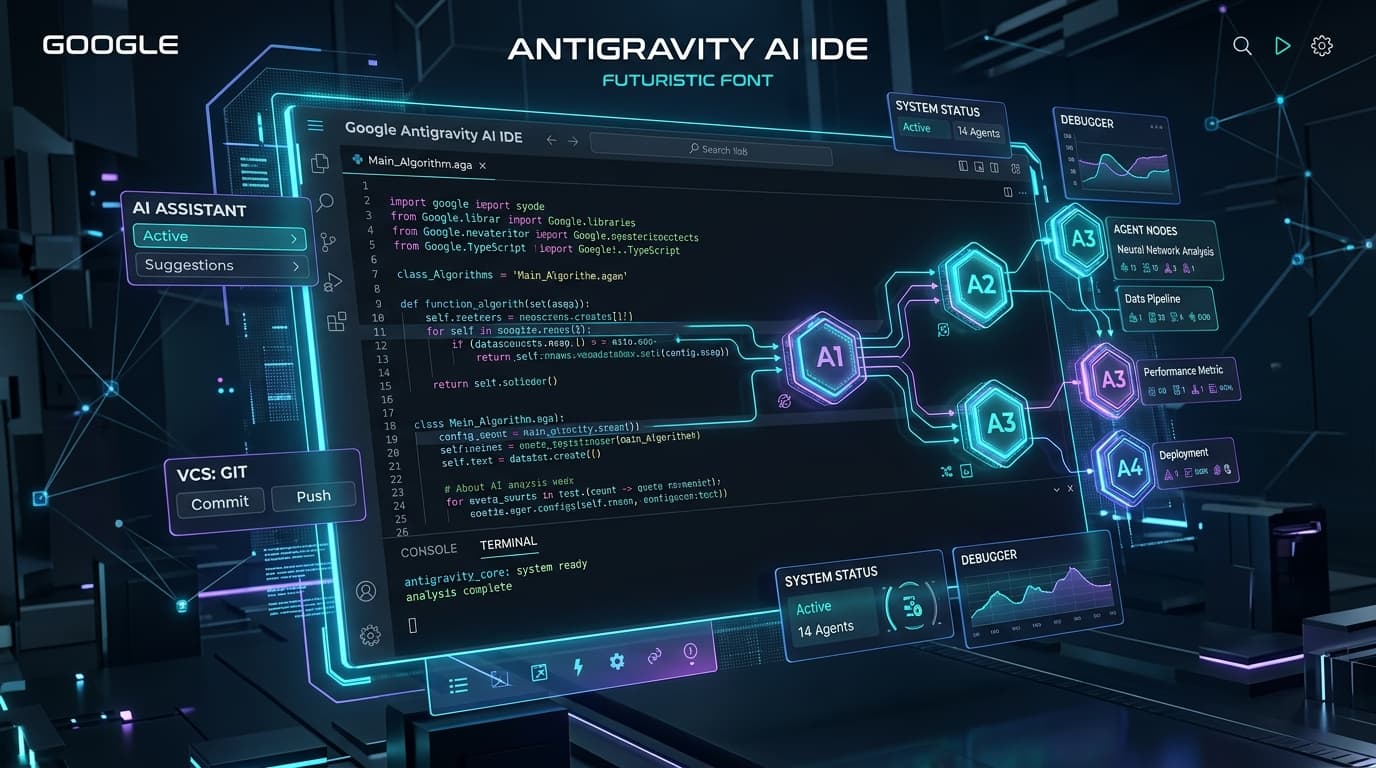
The developer tooling landscape has shifted dramatically over the past two years. We have moved decisively past simple snippet generators and auto-completers into the era of agentic pair programming. Leading this revolution is Google Antigravity—the AI-first development environment engineered to work alongside developers with multi-agent orchestration, sandboxed terminal execution, and deep codebase reasoning.
While Antigravity provides incredible out-of-the-box intelligence with its Tab prediction, inline refactoring (Ctrl+I / Cmd+I), and collaborative sidebar agents, its true power unlocks when you tap into its growing ecosystem of extensions, Model Context Protocol (MCP) servers, and Sidecar UI panels.
In 2026, an "extension" in Antigravity is not merely a theme or a syntax linter. It is an intelligent bridge that equips your AI agents with live database access, browser testing eyes, cloud telemetry, and specialized domain skills. In this comprehensive guide, we review the 10 best Antigravity extensions every developer should install in 2026 to 10x their engineering productivity.
Understanding the 2026 Antigravity Extension Architecture
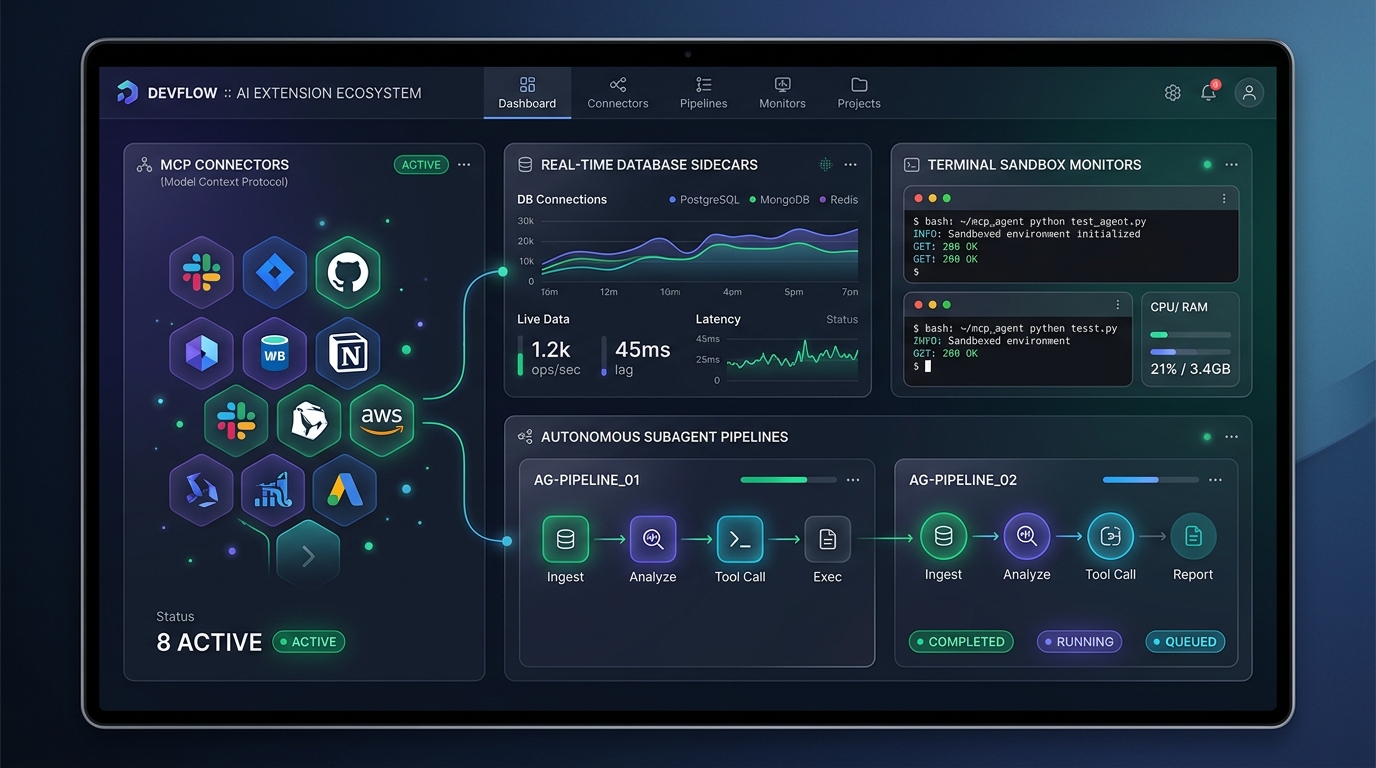
Before diving into the top picks, it is worth understanding how Antigravity extensions differ from legacy code editor plugins. In Google Antigravity, extensions typically combine three synergistic layers:
Model Context Protocol (MCP) Connectors: Open-standard servers that expose structured tools, database schemas, and API endpoints directly to the agent's reasoning loop without polluting context tokens.
Interactive Sidecar UI Panels: Lightweight Node.js micro-services that render real-time interactive panels in Antigravity's Auxiliary Side Pane, allowing bidirectional communication between you and your running agents.
Agent Skills & Rules (
SKILL.md): Curated guidelines, scripts, and domain expertise that instruct the agent on exactly when and how to invoke specialized tools safely.
1. Antigravity GitHub & GitLab MCP Suite
Primary Category: Version Control & Code Review Automation
Integration Type: MCP Connector + Git Lens Hook
Managing pull requests, triaging cross-repository dependencies, and writing changelogs used to pull developers out of their flow state. The GitHub & GitLab MCP Suite links your remote forge directly into Antigravity's cognitive loop.
Key Features:
Autonomous PR Review Agent: Analyzes pull request diffs against your team's architecture standards, flags race conditions, and drafts inline review comments before merging.
Cross-Repo Graph Discovery: When your frontend depends on a microservice or shared schema living in another repository, the MCP server indexes the remote codebase on demand.
Automated Issue-to-Branch Scaffolding: Type
/plan issue #248, and Antigravity reads the issue description, checks out an isolated feature branch, and outlines an end-to-end implementation plan.
"By delegating first-pass code reviews to the GitHub MCP suite inside Antigravity, our senior engineers reclaimed 6+ hours every sprint while cutting merge regressions by half."
2. Supabase & PostgreSQL Live Data Sidecar
Primary Category: Database Engineering & Query Optimization
Integration Type: Sidecar Webview + MCP Server
Backend developers spend hours switching between database GUI clients (like DBeaver or TablePlus) and their code editor. The Supabase & PostgreSQL Live Data Sidecar integrates real-time schema intelligence and transactional safety directly into your Antigravity workspace.
Key Features:
Live Schema Introspection: Your agent knows your tables, foreign keys, row-level security (RLS) policies, and indexes without having to inspect migration files manually.
Dry-Run Migration Testing: When writing schema migrations, the extension spins up an ephemeral PostgreSQL transaction sandbox, executes the migration, runs your API tests, and rolls it back safely.
Query Explain & Index Advisor: Highlights slow SQL queries in your ORM or raw SQL files and offers inline code lenses to rewrite joins or suggest composite indexes.
{
  "mcpServers": {
    "supabase-db": {
      "command": "npx",
      "args": ["-y", "@antigravity/mcp-supabase", "--project-ref", "axrwfhwqffjxqpqzkvyh"],
      "env": {
        "SUPABASE_ACCESS_TOKEN": "${env:SUPABASE_TOKEN}"
      }
    }
  }
}
3. Playwright & Antigravity Headless Browser Agent
Primary Category: End-to-End Testing & Visual Verification
Integration Type: Autonomous Agent Tool + Sidecar Canvas
Gone are the days of manually clicking through complex user onboarding flows to verify a frontend bug fix. With the Playwright Browser Agent extension, Antigravity gains visual "eyes" and browser execution capabilities.
Key Features:
Visual Regression & Layout Checks: The agent navigates your local Next.js or React application, captures responsive screenshots across viewport sizes, and compares them against target design specs.
Console & Network Interception: If an API call fails with a
500 Internal Server Errorduring an automated browser click-through, the agent immediately inspects the backend stack trace and proposes the exact patch.Slash Command Quick Trigger: Type
/browser test checkout flowto launch an autonomous subagent that verifies cart state, payment mockups, and validation errors.
4. Docker & Microservices Sandbox Orchestrator
Primary Category: Containerization & Local Environment Management
Integration Type: Sandboxed Terminal Tool + Sidecar Dashboard
Container configuration is notoriously error-prone, especially when balancing multi-stage Docker builds, development volumes, and caching layers. The Docker Sandbox Orchestrator turns Antigravity into a container-aware control center.
Key Features:
Multi-Stage Dockerfile Auto-Optimization: The extension analyzes your
package.jsonor Go module dependencies and writes lean, multi-stage Docker builds with proper non-root users and slim base images.Resource & Memory Guard: Tracks container CPU and memory usage right inside Antigravity's Auxiliary pane, alerting you before a memory leak crashes your dev machine.
Zero-Config Docker Compose Graph: Automatically wires up Redis, Postgres, and local worker services based on your application's environment configuration.
5. Figma-to-Code Generative UI Lens
Primary Category: Frontend Development & Design Systems
Integration Type: Generative UI Extension + Token Parser
Bridging the gap between Figma design files and production-ready React or Next.js components has never been smoother. In 2026, the Figma-to-Code Generative UI Lens eliminates UI translation guesswork.
Key Features:
Design Token Extraction: Automatically reads your Figma variables (colors, typography scales, spacing, border radii) and updates your
tailwind.config.tsor CSS variable declarations.Component Synthesis: Select a frame in Figma, invoke
Cmd+I(orCtrl+I) inside your component folder, and Antigravity generates clean, typed JSX with accessible ARIA tags.Live Sidecar Preview: Renders the generated component inside an isolated iframe right in Antigravity's side pane so you can test hover states and props interactively.
6. GitLens Semantic Diff Visualizer for Antigravity
Primary Category: Code Forensics & Change Auditing
Integration Type: VS Code Native Extension + Agent Diff Hook
When working with powerful agentic tools that can modify 15 files across a codebase in one turn, knowing exactly what changed is critical. GitLens for Antigravity pairs traditional Git history visualization with AI-aware diff intelligence.
Key Features:
Holographic Multi-File Diffs: Visualizes proposed agent refactors with crystal-clear red/green highlighting before you commit changes to disk.
Semantic Blame & Intent Tracing: Shows not just who wrote a line of code, but the agent trajectory or PR context that led to that specific architectural decision.
One-Click Chunk Revert: Granularly reject individual AST nodes from an agent's patch while keeping the rest of the generated solution.
7. Antigravity Subagent Orchestrator & Task Matrix
Primary Category: Multi-Agent Parallelism & Project Management
Integration Type: Subagent Dispatcher + Sidecar Workflow DAG
Complex engineering tasks require specialized roles: one agent to inspect database schemas, another to write unit tests, and a third to draft documentation. The Subagent Orchestrator brings parallel multi-agent collaboration to life.
Key Features:
Dynamic Agent Delegation: Spawns dedicated subagents (such as a
Research Agentwith read-only tools and aBuilder Agentwith sandbox execution permissions) in isolated conversation branches.Visual Task Matrix: Displays a live dependency graph (DAG) showing which agents are actively running, waiting on dependencies, or delivering artifacts.
Integrated Slash Commands: Perfectly pairs with slash commands like
/plan,/goal, and/teamwork-previewto manage long-running multi-hour programming tasks without stalling your editor.
8. Error Lens Pro + Diagnostic Auto-Fix
Primary Category: Real-Time Linting & TypeScript Diagnostics
Integration Type: Editor Inline Lens + Instant Fix Action
Context switching from your editor buffer to the terminal to read compiler error traces kills developer focus. Error Lens Pro prints compiler errors, TypeScript type mismatches, and ESLint warnings directly inline at the exact line of code, paired with Antigravity's instant fix lens.
Key Features:
Zero-Latency Inline Diagnostics: Displays the complete error message inline without requiring you to hover over red squiggly underlines.
1-Click AI Auto-Repair: An inline CodeLens button appears directly above the error: clicking "Fix with Antigravity" dispatches an instant localized edit (
Ctrl+I) to resolve the type error cleanly.Strict Mode Enforcer: Helps teams transition codebases to strict TypeScript without pain by automating tedious type narrowing.
9. Kubernetes & Cloud Run DevFlow Sidecar
Primary Category: Cloud Native Deployments & Observability
Integration Type: MCP Cloud Bridge + Telemetry Stream
For cloud developers building modern microservices, deploying to staging or production shouldn't be a mystery. The Cloud Run & Kubernetes DevFlow Sidecar connects your cluster metrics directly to Antigravity.
Key Features:
Live Pod Log Streaming: Stream crash logs from your staging cluster straight into Antigravity. The agent correlates the remote stack trace with your local source code to pinpoint the bug.
YAML & Helm Manifest Linter: Detects misconfigured security contexts, missing readiness probes, and overly permissive IAM roles before applying manifests.
Canary Rollout Monitoring: Provides a live widget in the side pane to monitor traffic percentages and error rates during blue-green and canary deployments.
10. Agy Security Guard & Secrets Sentinel
Primary Category: Application Security & Compliance
Integration Type: Pre-Commit Hook + Agent Permission Sentinel
As AI agents gain autonomous capabilities to execute terminal commands and create code files, security guardrails are non-negotiable. Agy Security Guard ensures your development workflow remains airtight.
Key Features:
Secret Leak Interceptor: Detects and blocks accidental exposure of API keys, Supabase service-role keys, private SSH tokens, and database passwords before they reach prompt logs or Git commits.
Sandboxed Command Verification: Analyzes terminal commands before execution, warning you if an agentic plan attempts dangerous filesystem mutations (such as
rm -rfoutside workspace bounds or unverified curl pipes).Automated CVE Dependency Patching: Scans
package-lock.jsonand Go lockfiles for vulnerable dependencies and automatically submits non-breaking security updates.
Top 10 Antigravity Extensions at a Glance
Here is how the top 10 extensions compare in terms of their primary focus, integration modality, and developer target:
| Extension Name | Primary Domain | Integration Type | Ideal For |
|---|---|---|---|
| GitHub & GitLab MCP Suite | Version Control | MCP Connector | Team PR reviews, multi-repo tracking, issue triage |
| Supabase & Postgres Sidecar | Database & SQL | Sidecar UI + MCP | Backend schema design, query optimization, migration safety |
| Playwright Browser Agent | End-to-End Testing | Autonomous Tool | Full-stack QA, visual regressions, responsive checks |
| Docker Sandbox Orchestrator | DevOps & Containers | Sandboxed Terminal | Microservices, Docker Compose, lean multi-stage builds |
| Figma-to-Code Generative Lens | Frontend UI & Design | Generative UI | Design system tokens, Tailwind JSX component synthesis |
| GitLens Semantic Diff Visualizer | Code Forensics | VS Code Hook | Multi-file agent diff reviews, revision timeline auditing |
| Subagent Task Matrix | Multi-Agent Systems | Subagent Manager | Parallel refactoring, autonomous background research |
| Error Lens Pro + Auto-Fix | Real-Time Diagnostics | Inline Editor Lens | TypeScript strict mode, zero context-switch debugging |
| Kubernetes & Cloud Run DevFlow | Cloud Infrastructure | Telemetry MCP | Pod log debugging, canary rollout monitoring, Helm checks |
| Agy Security Guard | AppSec & Compliance | Permission Sentinel | Secret leak prevention, command sandbox guardrails |
Best Practices for Managing Antigravity Extensions in 2026
To keep your Antigravity environment blazing fast and token-efficient, keep these four architectural best practices in mind:
Leverage Workspace-Scoped Customizations (
.agents/): Avoid installing every MCP server globally. If a project uses Supabase and Next.js, configure the Supabase MCP connector inside that repository's.agents/directory so other projects don't waste memory or prompt context.Monitor Tool Declaration Overhead: Each MCP tool exposes its JSON schema to the agent. Having 50+ dormant tools active can consume hundreds of tokens on every model turn. Enable only the plugins you need for the active task.
Combine Extensions with Slash Commands: Antigravity's slash commands (like
/browser,/plan, and/goal) work synergistically with installed extensions. Let the orchestrator plan the work before dispatching subagents.Always Keep Sandboxed Permissions Active: Keep terminal sandboxing enabled for agents. High-risk commands should always prompt for explicit developer approval.
Conclusion: Build Your Ultimate 2026 Developer Cockpit
Google Antigravity has fundamentally transformed coding from typing individual syntax tokens to guiding autonomous, high-leverage agent workflows. By equipping your environment with the right extensions—bridging your IDE with your databases, browsers, repositories, and cloud clusters—you transform your editor into an unstoppable development cockpit.
Start by installing the GitHub MCP Suite, Supabase Live Data Sidecar, and Error Lens Pro. Once you experience the productivity leap of having your tools, schemas, and AI agents collaborating in one seamless loop, you'll never look at software development the same way again.