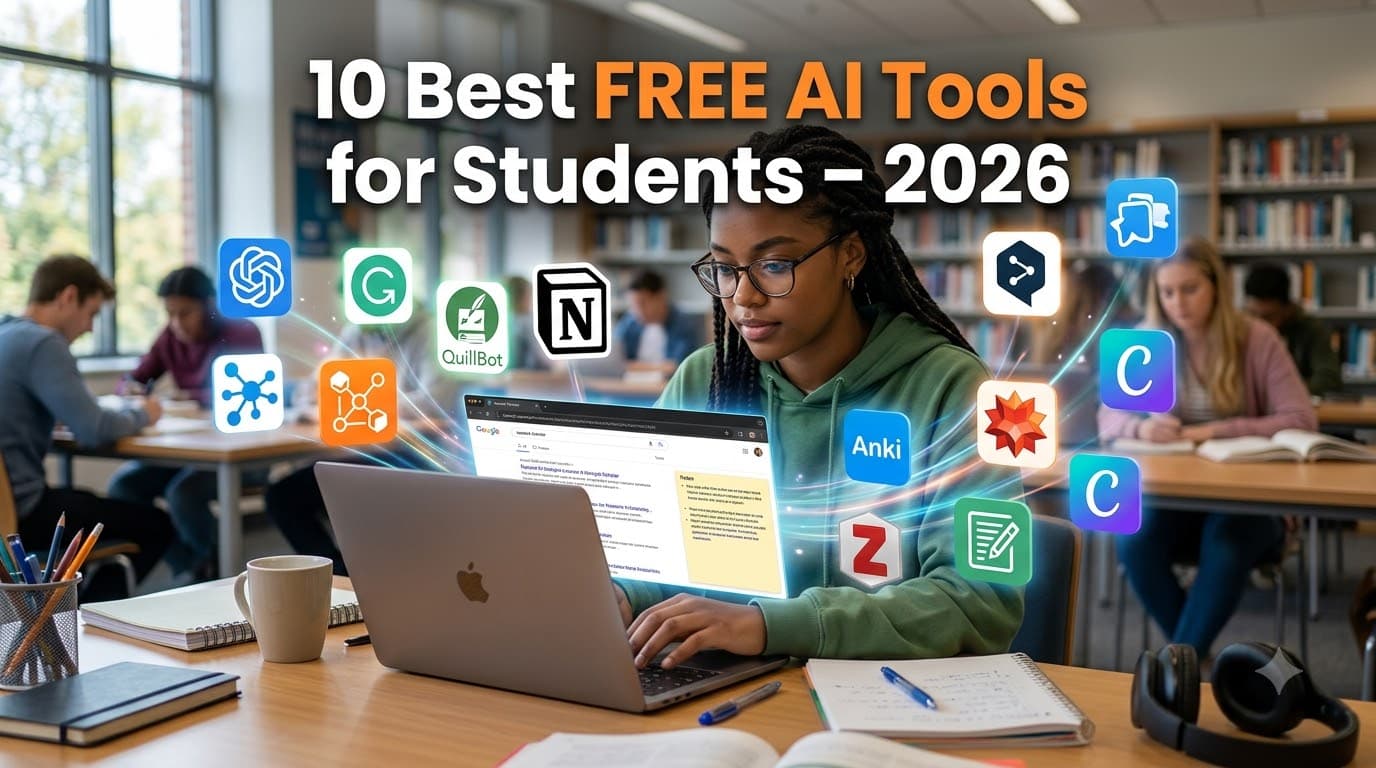
10 Best Free AI Tools for Students in 2026
Study smarter, not harder: the free AI apps worth a spot on every student's phone and laptop this year.
Looking for the best free AI tools for students in 2026? You're in the right place. Today you don't need to spend a single rupee or dollar to get a tutor, research assistant, editor and designer on call 24/7. The best AI tools for students now offer genuinely useful free plans, and a few are completely free for verified students.
The problem isn't access anymore. It's choice. New AI apps launch every week, and most of them are wrappers around the same few models. So we cut the noise and picked ten free AI study tools that cover everything a school or college student actually does: understanding concepts, homework help, research, writing, note-taking, presentations and coding.
How we picked: every tool on this list has a free plan you can use today, a clear student use case, and a track record beyond the hype cycle. We've noted the limits of each free plan so you know what you're getting before you sign up.
The 10 Best Free AI Tools for Students in 2026
Here is our list of the best AI tools for students, each with a free plan. For every tool you'll find what it does best, what the free version includes and one pro tip to get more out of it.
1. ChatGPT: the all-round study buddy
If you only install one AI app, make it this one. ChatGPT can explain a tough concept in five different ways, turn your notes into practice questions, help you outline an essay or walk you through a maths problem step by step.
Best for: explaining concepts, brainstorming, quick doubts at 2 a.m.
Free plan: yes, with daily limits on the most advanced model; a paid Plus plan costs about $20/month.
Pro tip: ask it to quiz you instead of just giving answers. "Ask me 10 questions on photosynthesis and tell me what I got wrong" beats passive reading every time.
Try it free: chatgpt.com · Image alt text: ChatGPT free AI tool for students explaining a concept
2. Google Gemini: best for Google Docs and Drive users
Gemini lives inside the Google apps most students already use: Docs, Gmail, Drive and Slides. It can summarise a long PDF from your Drive, draft inside a Doc, or build a quiz from a whole textbook chapter thanks to its very large memory for documents.
Best for: students who do their coursework in Google Workspace.
Free plan: yes. Google has also run free-year offers of its premium plan for verified students, so check whether your college is eligible.
Pro tip: upload an entire chapter and ask for "the 15 most likely exam questions with model answers."
Try it free: gemini.google.com · Image alt text: Google Gemini AI study tool inside Google Docs
3. Claude: best for essays and long readings
Claude shines when the material is long and dense: a 40-page research paper, a full case study, or your complete draft. It keeps track of the whole document and gives thoughtful, well-written feedback.
Best for: essay feedback, summarising long PDFs, structured reasoning.
Free plan: yes; Claude Pro costs about $20/month. Some universities provide access through Claude for Education.
Pro tip: paste your essay and ask, "What is the weakest argument here, and how would a strict examiner attack it?"
Try it free: claude.ai · Image alt text: Claude AI giving feedback on a student essay
4. NotebookLM: your personal AI tutor built from your own notes
NotebookLM is the most underrated tool on this list. You upload your own sources, such as lecture slides, PDFs, notes or YouTube lectures, and it answers only from them, with citations pointing to the exact passage. That makes it far less likely to make things up.
Best for: exam revision, turning a semester of notes into study guides.
Free plan: yes, with higher limits on Google's paid AI plan.
Pro tip: try the Audio Overview feature. It turns your readings into a podcast-style conversation you can listen to on the bus.
Try it free: notebooklm.google.com · Image alt text: NotebookLM free AI study tool creating a study guide from notes
5. Perplexity AI: research with real sources
Perplexity is part search engine, part chatbot. Every answer comes with numbered links to its sources, so you can check the facts before you put them in an assignment.
Best for: project research, fact-checking, finding sources to cite.
Free plan: yes; Perplexity has also offered free Pro access to verified students, so check its student page.
Pro tip: always open the source links yourself. Cite the original article or paper, never the AI's summary.
Try it free: perplexity.ai · Image alt text: Perplexity AI research answer with source citations
6. Grammarly: your always-on proofreader
Grammarly works wherever you type: Google Docs, Word, email and your browser. It catches spelling slips, grammar errors and awkward sentences in real time.
Best for: assignments, internship applications, emails to professors.
Free plan: yes, covering core grammar, spelling and clarity checks; Premium adds deeper style and tone suggestions.
Pro tip: use it as an editor for your writing, not as a generator. Your voice is what earns the marks.
Try it free: grammarly.com · Image alt text: Grammarly correcting grammar in a student assignment
7. QuillBot: paraphrasing and summarising
When you understand an idea but your sentence comes out clumsy, QuillBot helps you rephrase it. It also has a summariser and a free citation generator for APA, MLA and other styles.
Best for: tightening wordy paragraphs, quick summaries, formatting citations.
Free plan: yes, with word limits per paraphrase and fewer writing modes.
Pro tip: use the citation generator to build your bibliography. It saves an hour of formatting at the end of every project.
Try it free: quillbot.com · Image alt text: QuillBot paraphrasing tool for students
8. Canva (Magic Studio): presentations without design skills
Canva's AI tools can draft a full slide deck, poster or infographic from a short prompt, which you then edit with simple drag and drop. Students with a school or college email may also be able to get Canva for Education.
Best for: class presentations, posters, project reports, social media for clubs.
Free plan: yes, with thousands of templates; Pro unlocks premium assets.
Pro tip: write your content first, then let Canva design around it. The design should support your ideas, not replace them.
Try it free: canva.com · Image alt text: Canva AI creating a class presentation
9. Otter.ai: never miss a word in lectures
Otter records and transcribes lectures in real time, then gives you a searchable transcript and an automatic summary. It is a lifesaver for fast-talking professors, long seminars and group project meetings.
Best for: lecture notes, group discussions, interviews for projects.
Free plan: yes, with a monthly cap on transcription minutes.
Pro tip: feed the transcript into NotebookLM or ChatGPT to create flashcards. Always ask your professor before recording a class.
Try it free: otter.ai · Image alt text: Otter.ai transcribing a college lecture
10. GitHub Copilot: a free coding partner for CS students
Copilot suggests code as you type, explains what unfamiliar code does and helps you track down bugs. It works inside popular editors such as VS Code.
Best for: computer science, engineering and data science students.
Free plan: free for verified students through the GitHub Student Developer Pack, which also bundles many other free developer tools.
Pro tip: never accept a suggestion you can't explain. If you can't explain it in your viva, you haven't learned it.
Get it free: GitHub Student Developer Pack · Image alt text: GitHub Copilot AI coding assistant for students in VS Code
Also read: [Add a link to a related post on your blog, e.g. "Best Study Apps for College Students"]
Free AI Tools for Students: Quick Comparison
Tool | Best for | Free plan | Platforms |
|---|---|---|---|
ChatGPT | Explaining concepts, brainstorming | Yes, daily limits | Web, Android, iOS |
Google Gemini | Google Docs and Drive users | Yes; student offers vary | Web, Android, iOS |
Claude | Essays, long readings | Yes, usage limits | Web, Android, iOS, desktop |
NotebookLM | Studying from your own notes | Yes | Web, Android, iOS |
Perplexity AI | Research with sources | Yes; student offers vary | Web, Android, iOS |
Grammarly | Proofreading | Yes, core checks | Web, extension, desktop, mobile |
QuillBot | Paraphrasing, citations | Yes, word limits | Web, extension |
Canva | Presentations, posters | Yes | Web, desktop, mobile |
Otter.ai | Lecture transcription | Yes, monthly minute cap | Web, Android, iOS |
GitHub Copilot | Coding | Free for verified students | VS Code and other editors |
Our suggested starter kit: you don't need all ten. Pick one general assistant (ChatGPT, Gemini or Claude), add NotebookLM for revision and Perplexity for research, then layer in the specialist tools your course needs.
How to Use Free AI Tools for Students Responsibly
AI should change how you study, not whether you study. Using it to understand a topic, practise questions or polish your own draft makes you smarter. Submitting AI-written work as your own can get you a zero or worse. Follow these five rules:
Read your college's AI policy. Rules differ between universities and even between courses. "I didn't know" is not a defence.
Verify every fact and citation. AI tools can invent quotes, statistics and even research papers that don't exist. Open every source before you cite it.
Keep your own voice. Use AI for feedback and editing, not for writing whole assignments. Teachers notice when your essay doesn't sound like you.
Protect your privacy. Don't upload personal documents, ID cards or unpublished research to free tools without checking how your data is used.
Be transparent. If your course allows AI, mention how you used it. Honesty builds trust with your professors.
Final Thoughts on Free AI Tools for Students
The best free AI tools for students in 2026 won't do your studying for you, but they can make every hour of studying count for more. Start small: pick two or three AI study tools from this list that match your course, learn them well, and use them to understand more deeply rather than to cut corners. The students who get ahead aren't the ones using the most AI. They're the ones using it wisely.
Bookmark this list of free AI tools for students and share it with your classmates. We update it whenever free plans change.
Which AI tool has helped you most this year? Tell us in the comments below.
Frequently Asked Questions
What are the best free AI tools for students in 2026? The best free AI tools for students in 2026 are ChatGPT, Google Gemini, Claude, NotebookLM, Perplexity AI, Grammarly, QuillBot, Canva, Otter.ai and GitHub Copilot (free for verified students).
Which AI app is best for studying and homework help? For homework help, ChatGPT and Claude explain concepts step by step. For studying from your own notes, NotebookLM is the best free AI study tool because it answers only from the material you upload.
Which is the best free AI tool for students? For most students, ChatGPT is the best all-rounder. If you mainly revise from your own notes, NotebookLM is the strongest free choice.
Are these AI tools really free? Yes. All ten have a free plan you can use today. Free plans have limits, such as daily messages or monthly minutes, but they are enough for most coursework.
Is using AI for homework cheating? It depends on how you use it and on your college's rules. Using AI to learn, practise or edit your own writing is generally accepted. Submitting AI-generated work as your own is usually treated as plagiarism.
Can teachers detect AI-written assignments? Often, yes. Detectors aren't perfect, but teachers also compare your work with your usual writing, ask follow-up questions and use in-class tests. The safest path is to do the thinking yourself.
Which AI tool is best for coding students? GitHub Copilot, which is free for verified students. Pair it with ChatGPT or Claude for explanations of concepts.
Free plans and student offers change often. Details in this article were checked in October 2026; confirm on each tool's official website before signing up.